Sony Ericsson X10 mini (pro) a simple way of rooting (Android 1.6 Donut)
A dyra.eu megőrzött oldalarchívumából
After making my previous rooting guide, I got a tip from another kind of hacking procedure. I can say it’s much easier. To complete the cirle I briefly describe this process.
Source: http://forum.se-portal.hu/viewtopic.php?f=104&t=12880
What you need:
-
Universal Androot APK file (tip: find the latest!)
-
Sony Ericsson X10 mini (pro)

-
Bluetooth adapter or USB cable (if you want to save the .apk file to computer)
-
2 minutes of free time
Let’s start:
- Download Universal Androot APK (directly to your phone or your PC)
- If you saved it to your computer, copy it to your phone via USB or Bluetooth.
- Enable installation from unknown sources: Settings -> Applications -> Unknown sources
- Once you have the stuff on your phone, find it with a file manager (for example Astro)
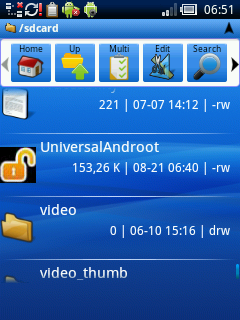
- Open the file with package manager.
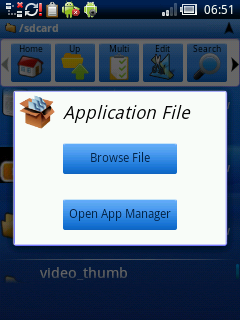
- Then install:
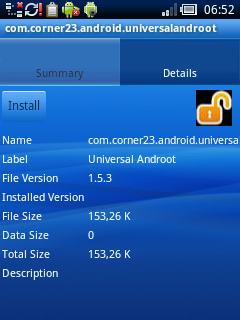
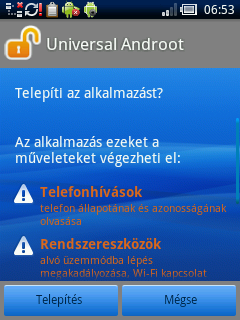
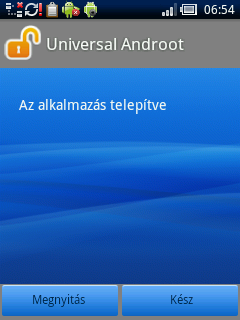
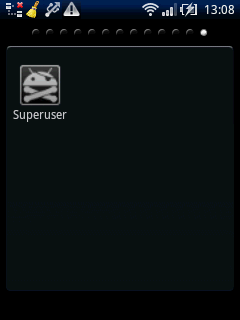
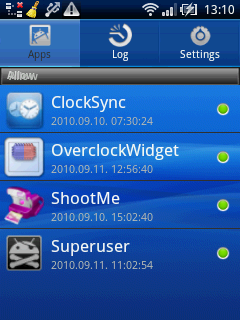
- You will see a new icon called Universal Androot and a little guy with gun. Here you can control your apps’ privileges.
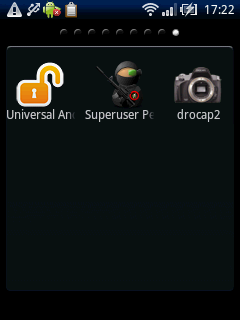
- And, finally open Universal Androot application! You can see a Root and an UnRoot
 button. Obviously Root: ) grants root privileges while UnRoot …guess what! Actually that’s all. (One more thing: Yes! You rooted your phone!)
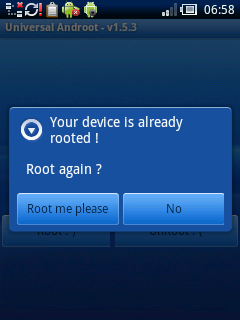
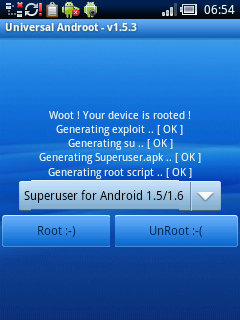
As you see this Universal Androot can be used for different Andrion versions as well.
**Note (2010.09.11.)
**
In the new Universal Androot APK file the icon with the gun has been replaced to an icon with a pirate’s head with an “android” Managing your apps’ privileges has became a little more transparent.