
Some say Mozilla Firefox became slower than the concurrent web browsers. With these small changes your Firefox will be ready to rush! Let’s start it step by step:
1. Start the browser.
2. Type to address bar: about:config
You will see a warning:

Let’s go on! If you make these modifications (only these modifications) nothing will be changed, except speed. Once you close the warning window, you will see something like this:
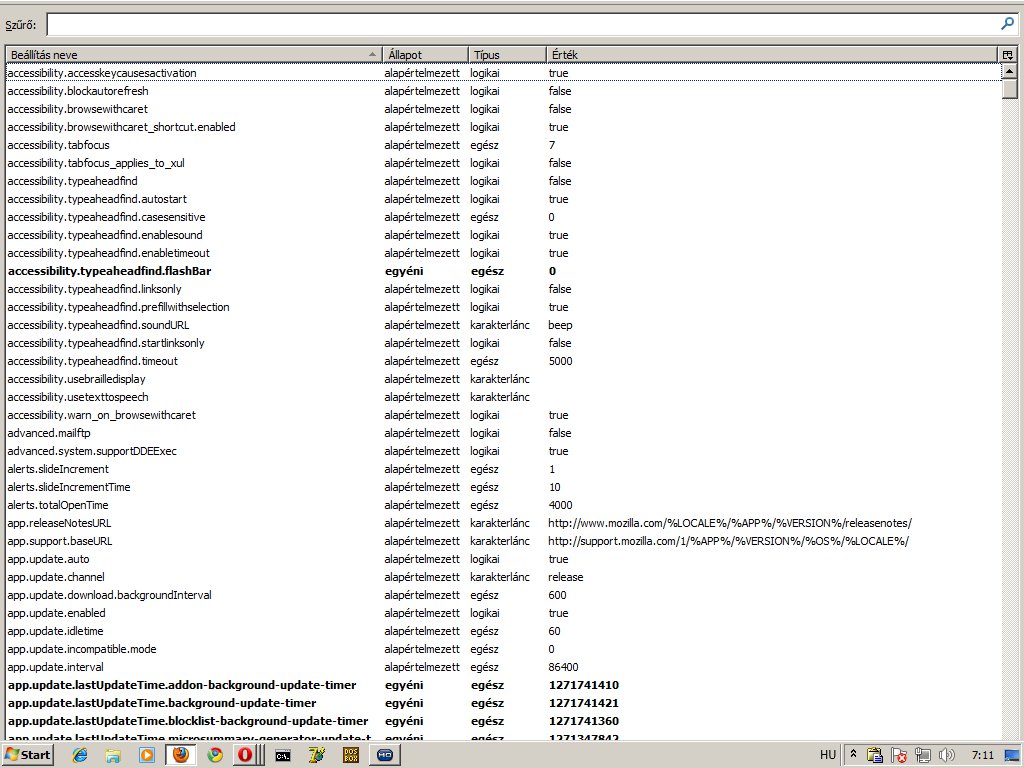
3. Type network.http.pipelining to the filter field.
4. Double click.
5. Its value will be changed to true
6. Now find this: network.http.proxy.pipelining
7. Set it true.
8. Next one: network.http.pipelining.maxrequests
9. Double click and set its value to 8 (Larger value is not necessary, it’s the browser’s maximum)
10. Move the mouse pointer over a blank area, then click with your right mouse button. Select new/integer/
11. The name: nglayout.initialpaint.delay
12: The value: 0
13. Right button click again and new/boolean
14. Set the name to browser.turbo.enabled
15. and value to true
16. Restart Firefox
Feel the difference!